

üxzView ist ein Bildbetrachter für Windows 10/11, Linux und macOS, entwickelt mit C++20 und Qt 6. Inspiriert von IrfanView und nomacs. üxzView is an image viewer for Windows 10/11, Linux and macOS, built with C++20 and Qt 6. Inspired by IrfanView and nomacs.
Aktuell in aktiver Entwicklung. Fertige Pakete richten sich derzeit an Windows x64. Kompilierung aus dem Quellcode für Linux und macOS vorbereitet (native Testläufe noch ausstehend). Currently in development. Prebuilt packages currently target Windows x64 only. Source builds for Linux and macOS supported (native validation in progress).
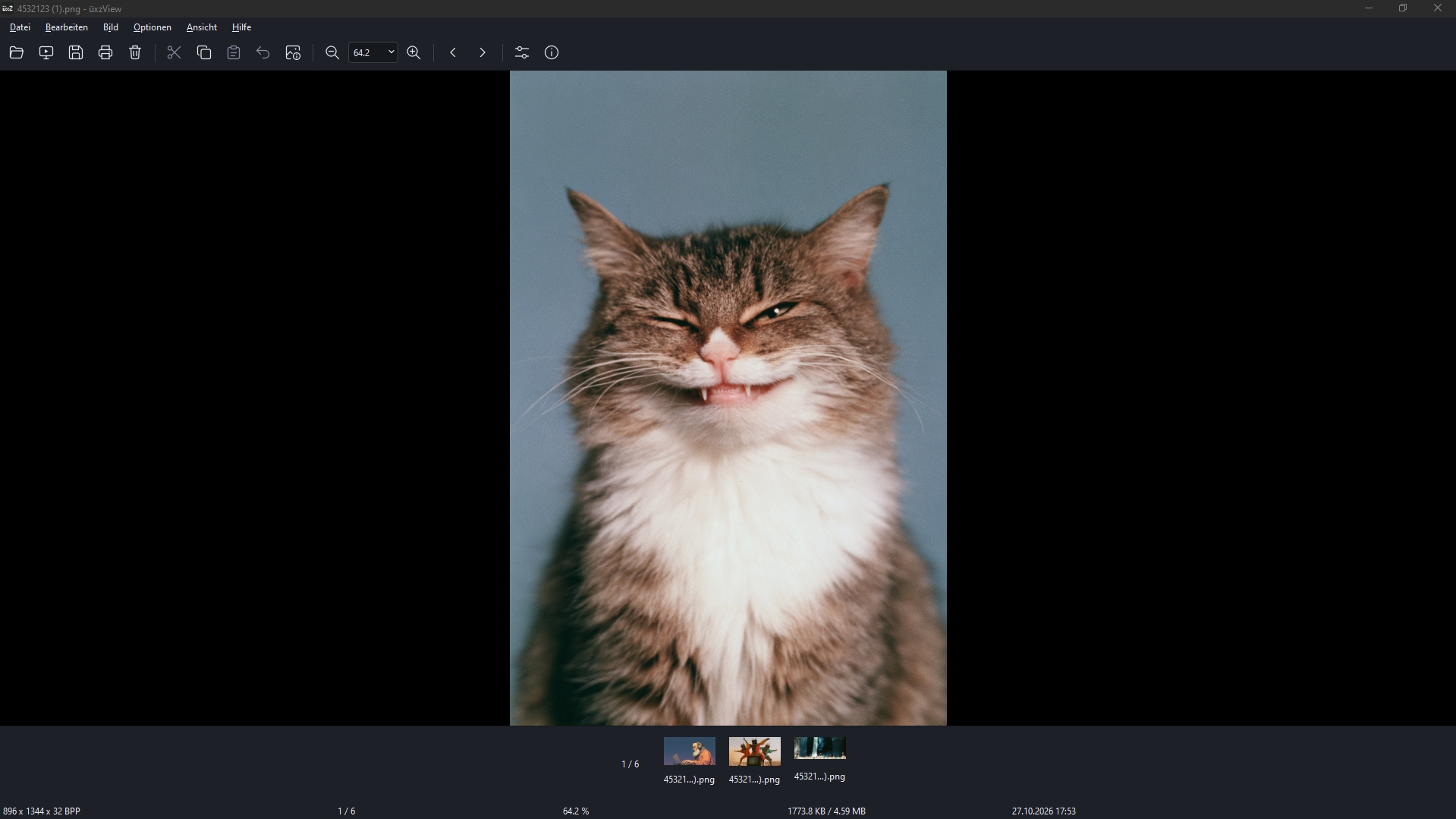
dbe2fbc0760bdcc14ff3844fe7c76f4b3f00d0363530b52e34fd93a60e86bc4c
Funktionen Features
Unterstützte Formate Supported Formats
| Kategorie Category | Formate Formats | Engine / Tiefe Engine / Depth |
|---|---|---|
| Raster & Web | JPEG, PNG (16-Bit), WebP, AVIF, HEIC / HEIF, TIFF, BMP, GIF (Animation), APNG, ICO · Zeilen-Resampling & Puffer bis 64 GiB | libjpeg-turbo / Qt / 16-Bit |
| Dokumente & PDF Documents & PDF | PDF (mehrseitig, Einzelseitennavigation, Miniaturansichten, weißer Hintergrund, Bildexport) PDF (multi-page, page navigation, bounded thumbnails, white backgrounds, image export) | Qt PDF / PDFium (Lazy) |
| Kamera-RAW | Sony (.arw), Nikon (.nef), Canon (.cr2, .cr3), Adobe (.dng), Fujifilm (.raf), Olympus (.orf, .rw2), PhaseOne (.iiq) | LibRaw 16-Bit Native |
| Archive & Sammlungen Archives & Collections | ZIP, CBZ Bildarchive (über das optionale Archivformat-Plugin) ZIP, CBZ image archives (through the optional archive format plugin) | Archive Plugin |
| HDR, Vector & Spezial | OpenEXR (.exr), Photoshop (.psd Composite), SVG Vektor (.svg), Targa (.tga), DirectDraw (.dds), Netpbm (.ppm, .pgm), Radiance (.hdr) | Float 32-Bit / Vektor |
| Metadaten & Profile Metadata & Profiles | ICC Profile (sRGB, Display P3, AdobeRGB), EXIF, IPTC, XMP Metadaten, mehrseitige Dokumente ICC Profiles (sRGB, Display P3, AdobeRGB), EXIF, IPTC, XMP metadata, multi-page images | Color Management |
Erkennungswerkzeuge (Recognition Tools) Recognition Tools
Das Windows-Paket enthält Werkzeuge zur Erkennung von QR-/Barcodes (ZXing-C++) und Texterkennung (Tesseract) mit OCR für Englisch, Deutsch, Französisch, Japanisch und Koreanisch. The Windows package includes QR/barcode reading (ZXing-C++) and text recognition (Tesseract), with English, German, French, Japanese and Korean OCR.
Erkennungen arbeiten auf dem gesamten Bild oder einer per Rechtsklick gezogenen Auswahl und lassen die Bildpixel unangetastet. They work on the whole image or a selection and leave image pixels unchanged. Details zu Funktionserweiterungen ↗ Function extensions documentation ↗
Portabler Modus Portable Mode
Der portable Modus ist verfügbar unter Optionen → Einstellungen → Speicherorte und wird nach einem Neustart aktiv. Portable mode is available under Options → Settings → Storage locations and takes effect after restarting.
Bestehende Benutzerdaten werden bei der ersten Aktivierung kopiert und an ihrem ursprünglichen Speicherort beibehalten. Existing user data is copied on first activation and retained in its original location.
portable.mode · IxView-data · tools
Als Standard-Betrachter festlegen Set as Default Image Viewer
Führe im portablen Anwendungsordner register-windows.bat aus. Das Skript findet uxzView.exe daneben automatisch. Wenn du das Skript woanders ablegst, passe den IXVIEW_EXE Pfad darin an. Run register-windows.bat in the portable application folder. It finds uxzView.exe beside it automatically. If you keep the script elsewhere, edit the IXVIEW_EXE path inside it.
register-windows.bat
üxzView wird für deinen Benutzer in »Öffnen mit« und unter »Einstellungen → Apps → Standard-Apps« registriert. Windows verlangt, dass du diese finale Zuordnung dort selbst triffst. üxzView will be registered for your user in "Open with" and "Settings → Apps → Default apps". Windows requires you to make that final choice yourself.
./register-windows.ps1 -ExecutablePath 'C:\Apps\üxzView\uxzView.exe' -GenerateOnly -RegFilePath './uxzView.reg'
unregister-windows.bat ausführen, um die Registrierung zu entfernen. Beim Verschieben des Ordners einfach neu registrieren. Keine Administratorrechte erforderlich. Run unregister-windows.bat to remove registration. If you move the folder, register its new location again. No admin rights needed. Registrierungs-Details ↗ Registration details ↗
Selbst kompilieren (Build from Source) Build from Source
sudo apt install build-essential cmake qt6-base-dev libqt6svg6-dev libraw-dev libjpeg-turbo8-dev
bash scripts/build.sh -DCMAKE_PREFIX_PATH=/path/to/Qt
Der gemeinsame Quellcode und die Build-Workflows sind für alle drei Systeme vorbereitet; erfolgreiche native Linux-Läufe stehen noch aus. The shared source code and build workflows are prepared for all three systems; native Linux runs still need validation. docs/PLATFORMS.md ↗
Dokumentation & Referenzen Documentation & References
Roadmap
Das KI-Experiment & 1E9 AI Experiment & 1E9
üxzView stammt von Entwickler und Journalist Michael Förtsch ( micha42-dot ) – gebaut mit ordentlich Unterstützung durch KI-Tools. Entwickelt wurde mit den Assistenten Codex und Cline auf Basis der Sprachmodelle GPT-6 Astra, GPT-6.1 Sol, Kimi K3 und GLM 5.3. Das Ganze ist gleichzeitig ein kleines journalistisches Experiment: In einer zweiteiligen Artikelreihe beim Tech-Magazin 1E9 beleuchtet Michael die Entstehung, Stolpersteine und Erkenntnisse beim Bau einer voll funktionsfähigen nativen Desktop-Software mit KI. üxzView was built by developer and journalist Michael Förtsch ( micha42-dot ) with plenty of assistance from AI tools. Development relied on the coding assistants Codex and Cline, powered by the AI models GPT-6 Astra, GPT-6.1 Sol, Kimi K3, and GLM 5.3. The project also serves as a journalistic experiment: in a two-part article series for the tech magazine 1E9 , Michael documented the creation, hurdles, and takeaways of building native desktop software using AI.